|
Photography Special Project This is my special project for the photography class I'm taking this semester. It involves taking digital photographs and tweaking them to make them look better, different, or odd. I've included fairly detailed explanations on the steps I took to manipulate each image, so feel free to read along, or just look at the before and after comparisons. All pictures are thumbnails. Click on them if you want to see a bigger and better picture, under 1M. |
||

|
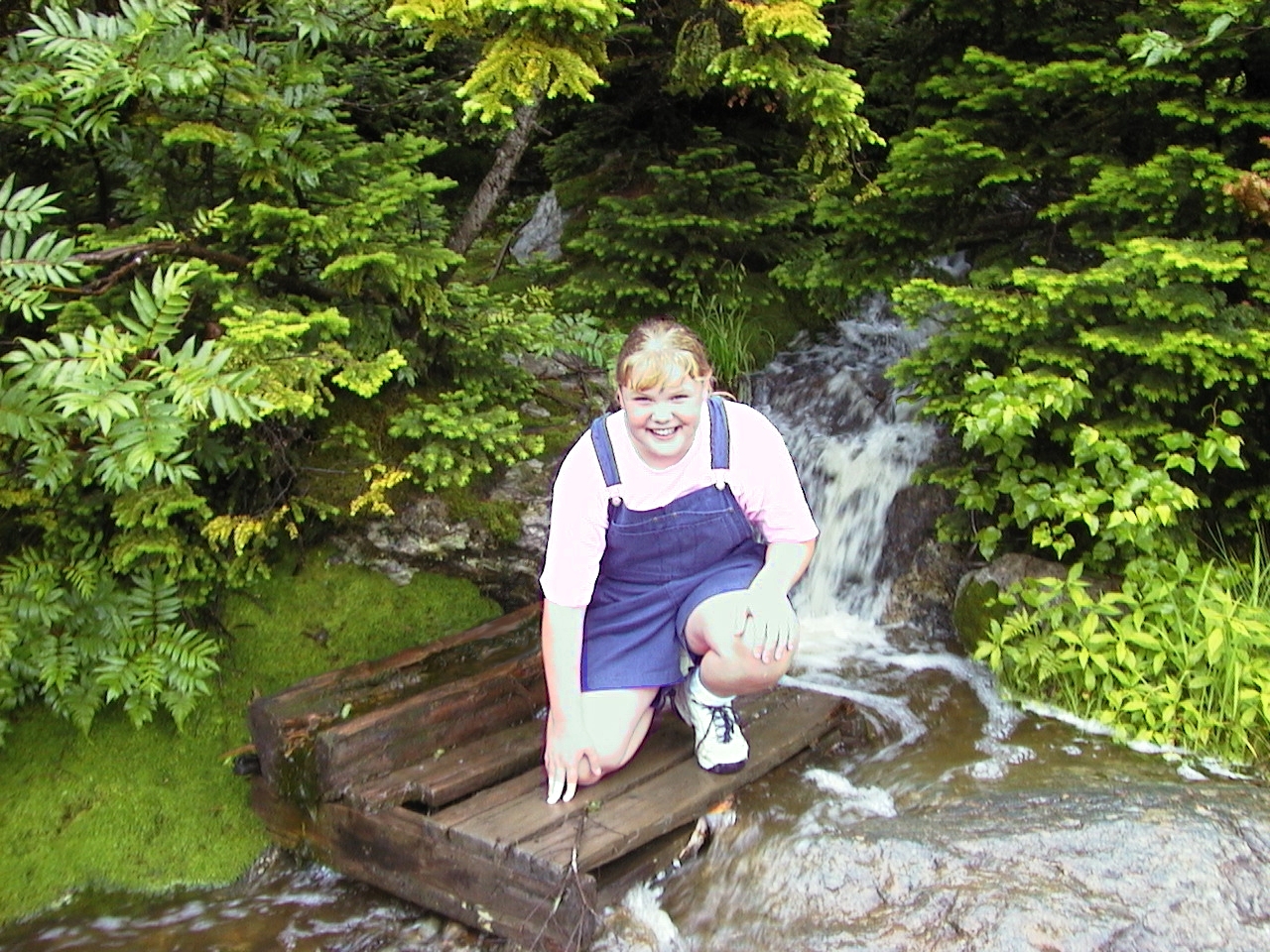
I took this photograph in Vermont on a very, very green mountain. Because of the vibrant color on the mountain, Amy was washed out completely. To compensate for this, I selected her shirt (known to be pink), and played with the levels and curves so that it was pinker. Then I selected her skin and moved it to the darker range of the spectrum. | |
|
This helped enhance her color, although when printing it out you can see some banding because of how much I had to stretch the original spectrum. After this, I couldn't help but be distracted by the black pipe crossing behind her. I copied sections from other parts of the image to cover up the pipe, blended it in with the rest of the surroundings, and did the same for the water shooting out on the other side. This eleminated distracting and unseemly elements from the photograph. |
||
|
For another, more detailed and better illustrated account of this same picture, go to fredman.org/digital1/ | |
|
. . . Next Picture |
||
This page was last updated May 3, 2001.| © Copyright 2001, Andrew Fredman
| |