|
Photography Special Project This is my special project for the photography class I'm taking this semester. It involves taking digital photographs and tweaking them to make them look better, different, or odd. I've included fairly detailed explanations on the steps I took to manipulate each image, so feel free to read along, or just look at the before and after comparisons. All pictures are thumbnails. Click on them if you want to see a bigger and better picture, under 1M. |
||
|
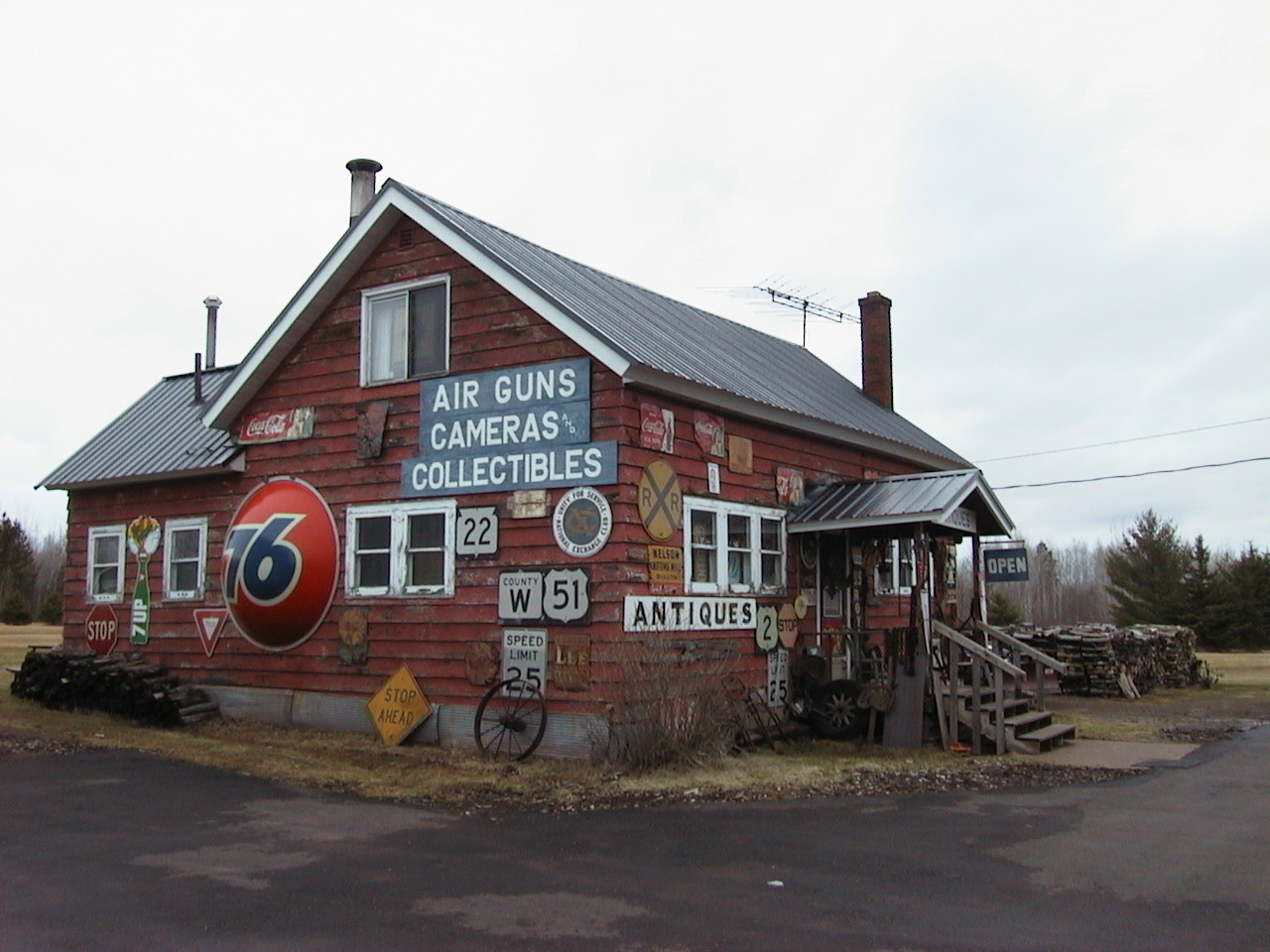
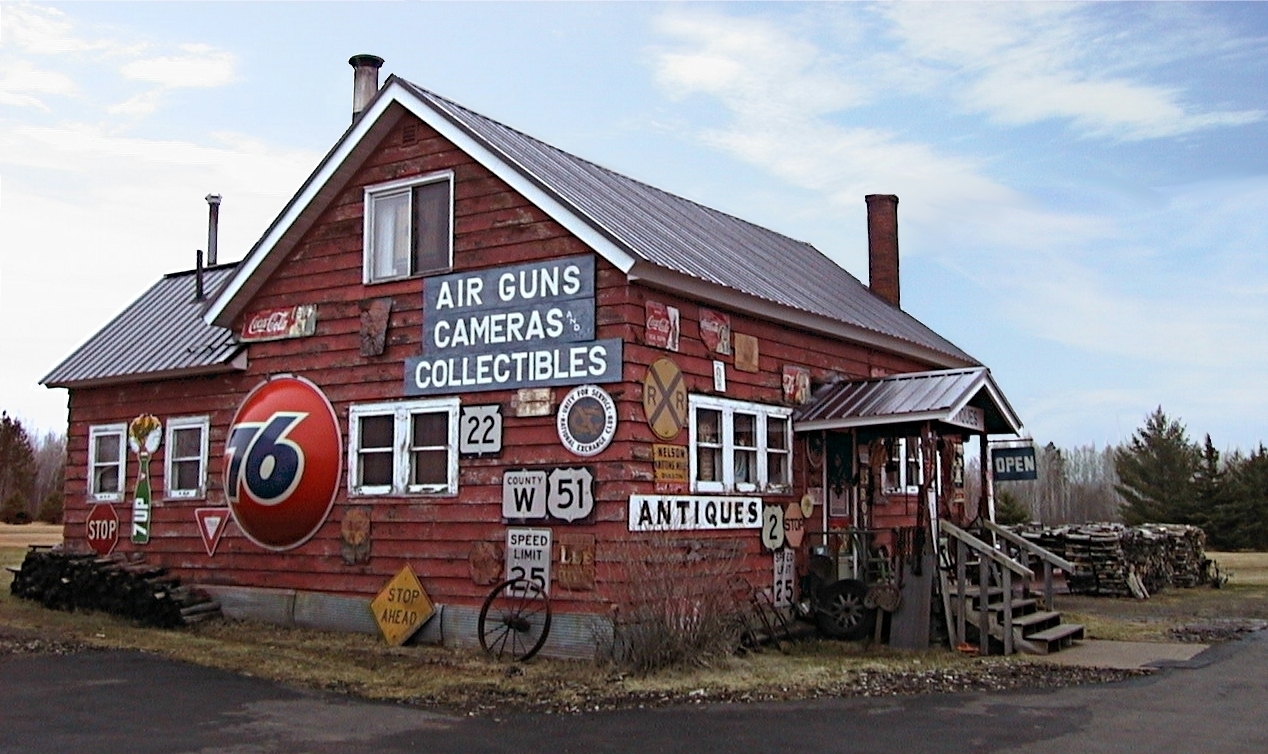
Every college break, when I head home along M26, I see this antique shop and am amazed at the business of it. I wanted to take this picture because I thought it would be a challenge to brighten up all the different colors. | |
|
I used levels and curves only on the house, making it brighter and more full-spectrum. The dead grass, trees, wood pile, and asphalt remain their original color. Unsharp Mask came in handy to sharpen the image, making the signs and siging stand out better than before. As for brute force image editing, I first took the power lines out, then decided to add some more interesting sky features. I transplanted a sky from a picture at the Cliffs in early October, cutting and pasting the shop over it. Accidentally, I cut the antenna out while doing this, and while I would prefer to have the antenna in the picture, it was too difficult to paste in there again. |
||
|
In the end, this photograph is more vibrant and appealing once it has been minorly tweaked. | |
|
. . . Next Picture |
||
This page was last updated May 3, 2001.| © Copyright 2001, Andrew Fredman
| |